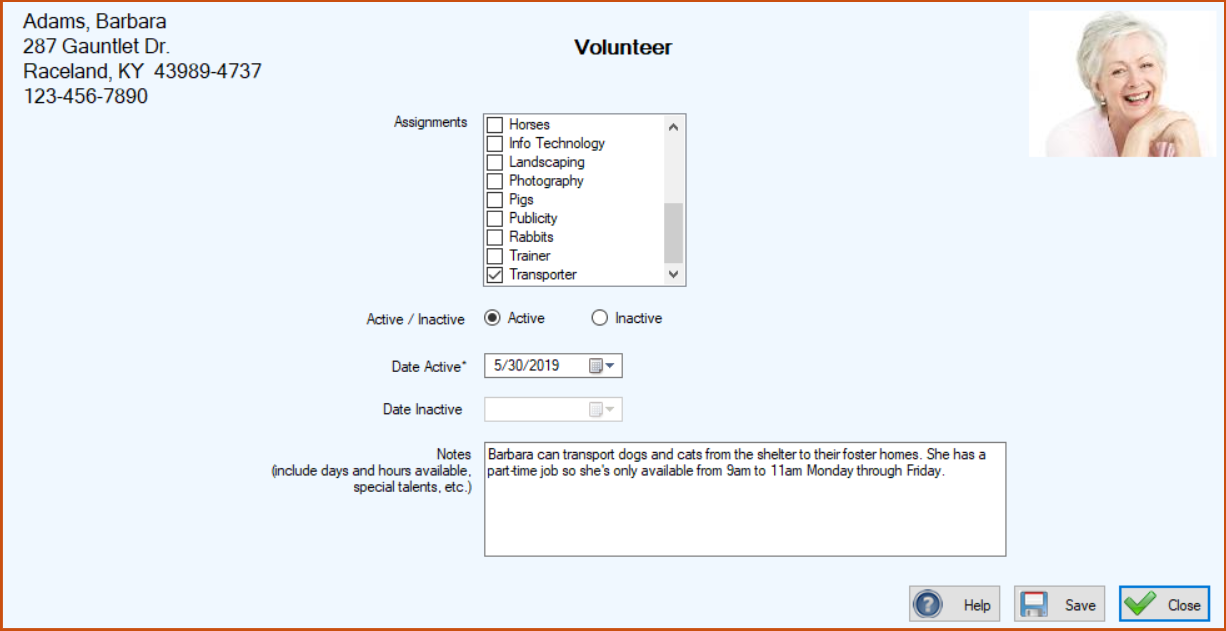
To Create a Volunteer Activity
1. On the TTR Home screen under Customization, select Volunteer Activities.
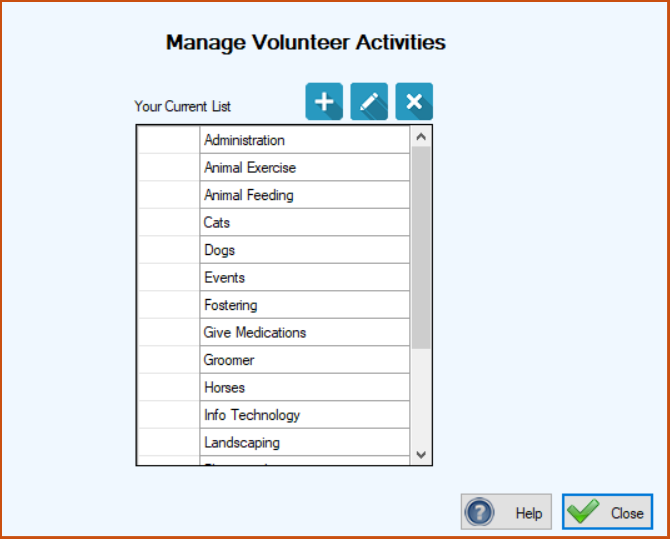
2. Click the blue Add button ( ). The Volunteer Activity screen appears.

3.In the Volunteer Activity field, enter the word or phrase that best describes the type of activity you want to add to the list.
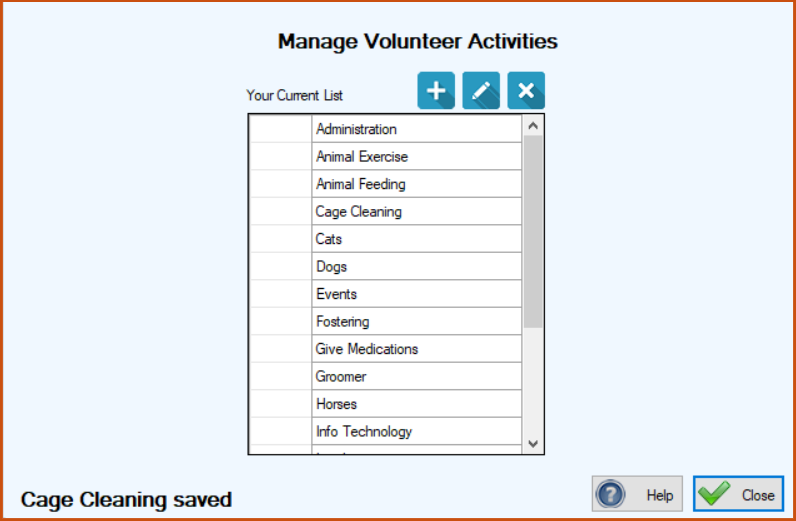
4.Click Save. The Volunteer Activity screen closes and you are returned to the Manage Volunteer Activities screen where your addition appears at the bottom of the center grid, along with a confirmation message in the lower left corner.
To Edit a Volunteer Activity
1.On the TTR Home screen under Customization, select Volunteer Activities to access the Manage Volunteer Activities screen.
2.Double-click the cell at the farthest left of the row containing the Volunteer Activity you want to edit. The Volunteer Activity screen opens, ready for editing.
3.Make the desired change in the Volunteer Activity field and click Save. The Volunteer Interest screen closes and you are returned to the Manage Volunteer Activities screen where can see your change in the center grid, along with a confirmation message in the lower left corner.
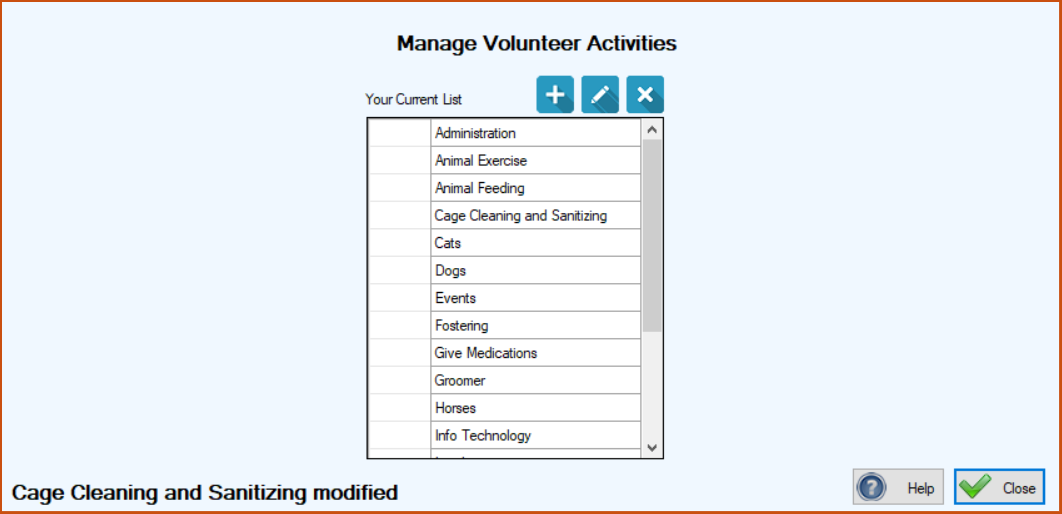
To Delete a Volunteer Activity
1.On the TTR Home screen under Customization, select Volunteer Activities to access the Manage Volunteer Activities screen.
2.Select the row containing the Volunteer Activity you want to delete by clicking the cell at the farthest left of the row.
3.Click the Delete button ( ). A popup window appears to confirm you really want to delete the item.
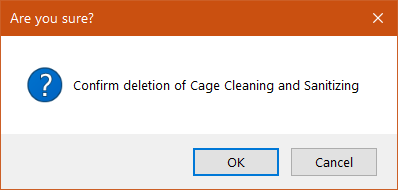
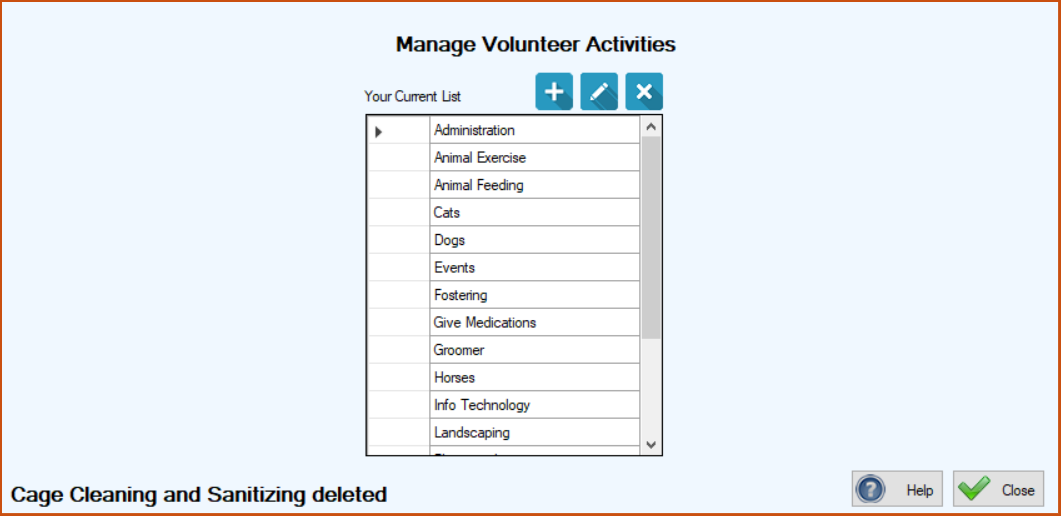
4.To complete the deletion, click OK. You are returned to the Manage Volunteer Activities sceen, where the Volunteer Activity you deleted is gone from the center grid, and a confirmation message appears in the lower left corner.