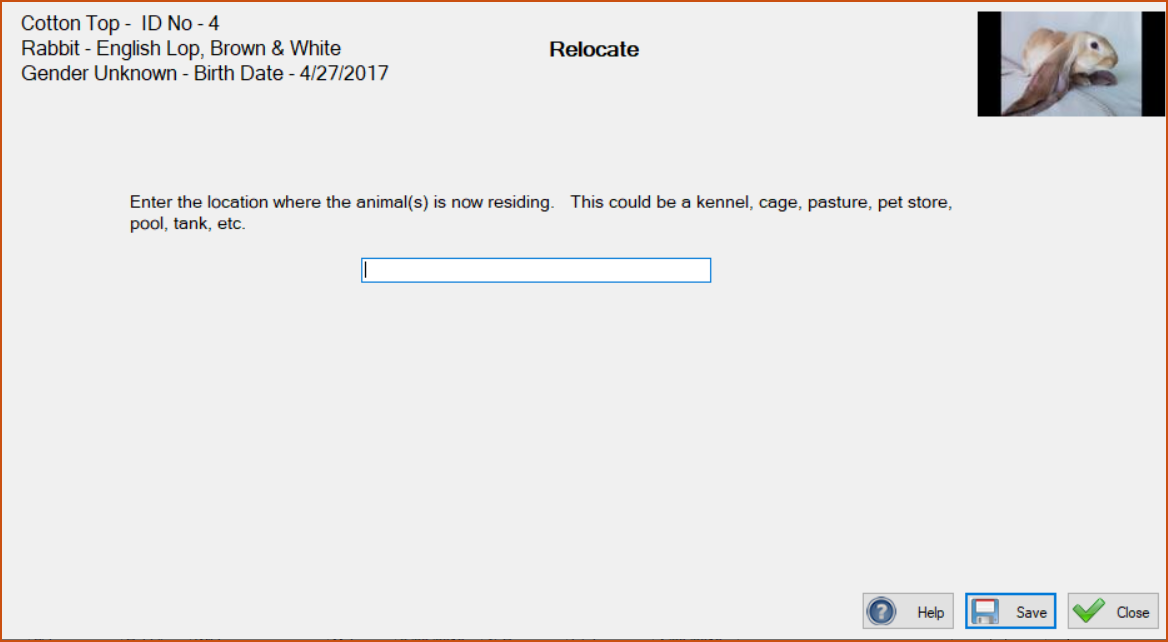
Rescues need to be able to indicate just where each animal is located. It could be in a specific kennel, or a pasture, or a different type of enclosure, or a pool and this facility gives them a way to do that.
Often animals (usually cats) are taken to pet stores to be displayed there in the hopes that customers will want to adopt them. This facility allows the kennel manager to denote that these animals are currently at a pet store.
It is easy to denote. Just select the animal, or animals, on the Animals screen that are to be in the same location and click the ‘Relocate**’ choice in the drop-down menu. You will be presented with the screen below. Type in the location and click ‘Save’. On the Animals screen you will see their location shown.
Do not use this to indicate the animal is in a foster home; use the foster Milestone to denote animals in foster homes.