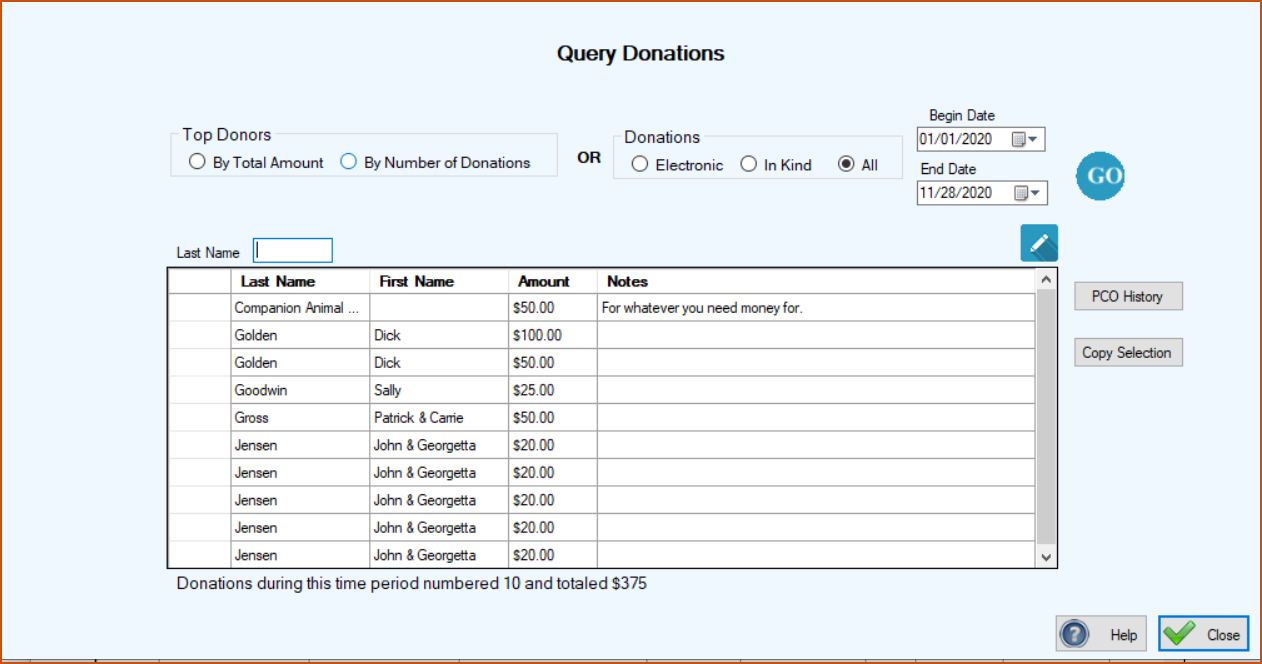
This program gives you the capability to see who your top donors are and also all of your donations over a specified period of time.
You can ask to see who your top donors are by total amount donated or by the number of donations any PCO has made. The grid will sort from the highest to the lowest either total donation or number of donations depending on what you’ve asked for. You can also see your electronic donations and inkind donations. If you want to see all of your donations listed just click ‘All’ and then the ‘Go’ button.
The grid can be sorted by clicking the column headers You can transfer the contents of the grid to Excel by clicking in the uppermost, left hand cell of the grid to select all of the records and then clicking Copy Selection. Then go to Excel and click Paste or ‘Crtl V’.