1.Double-click the desktop icon to launch the TTR application.
The Login screen appears.
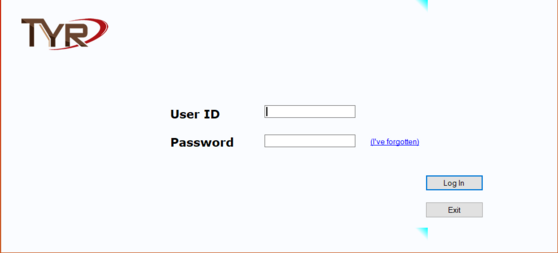
2. Type in the User ID and Password.
Important Notes:
(a.) For your first login, use the login ID and Password listed below and then follow Steps 2, 3, and 4 under Recommended Steps for Getting Started with TTR.
- User ID: admin (all lower case)
- Password: password (all lower case)
(b.) If you ever forget your password, click here for instructions.
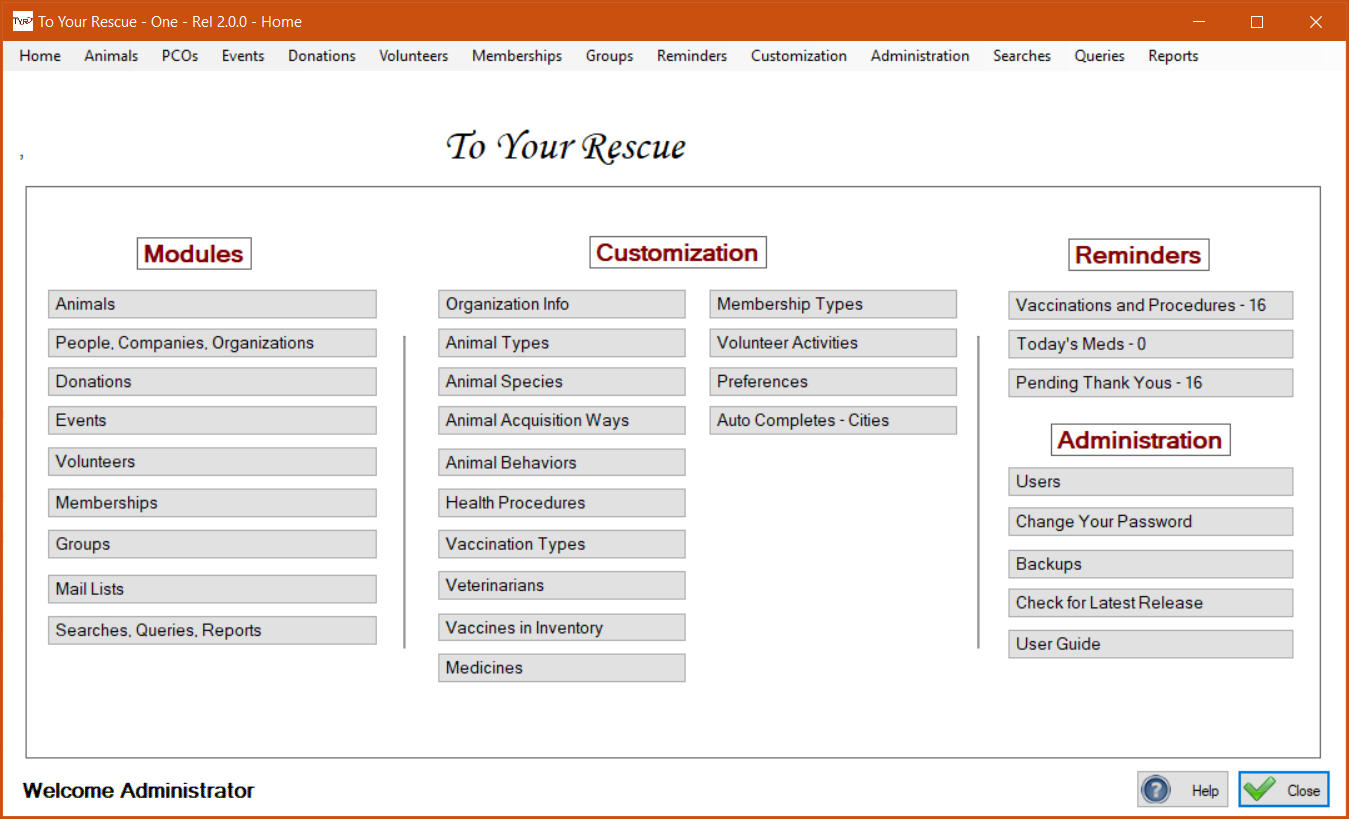
3. Press Enter or click the Log In button. The Home screen appears.